TTGet extension: download from sites that block our server
Some sites block the servers of online downloaders. The free TTGet extension lets your own browser fetch a public Instagram, Facebook or Reddit post for ttget.com, so the link works again.
Get the extension
Coming soon to the Chrome Web Store, Microsoft Edge Add-ons and Firefox Add-ons.
The problem
Online downloaders run on servers in data centers, and some sites block those servers. When that happens a link that worked yesterday returns an error. The extension moves that one step into your browser: ttget.com asks your browser to fetch the public post, and your browser saves the file to Downloads. ttget.com still does the rest, so you keep using the same page.
How it works
- Install the extension for your browser (Chrome, Edge, Cốc Cốc, Brave or Firefox 140+). Pin its icon to the toolbar.
- Paste a public Instagram, Facebook or Reddit link on ttget.com and click “Allow” when the extension asks for access to that site. It asks once per site.
- Download. The file goes to your Downloads folder.
Features
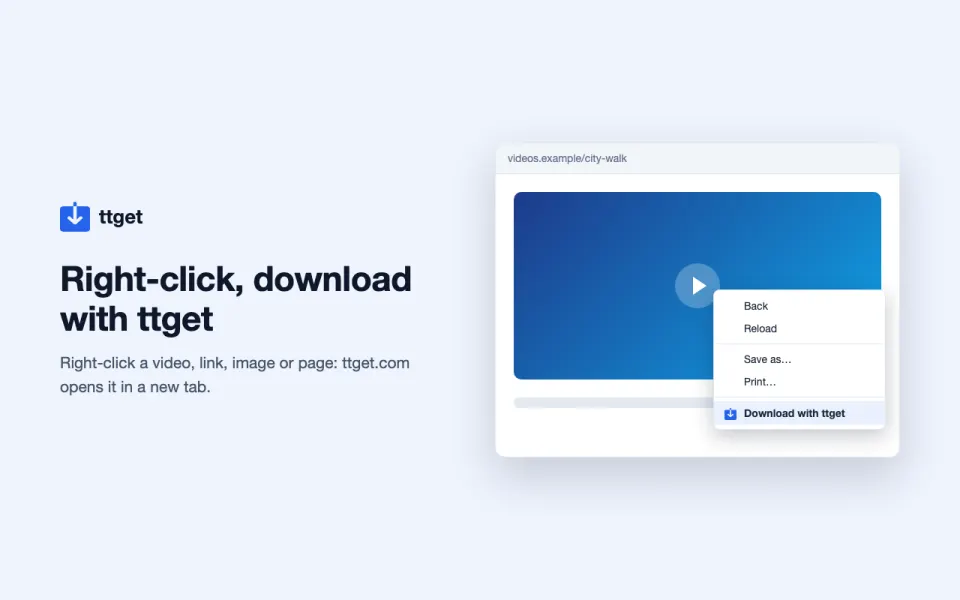
- Right-click menu: right-click a link, video, image or page and choose “Download with TTGet”; ttget.com opens in a new tab with the link ready.
- On-page button: a small “Download with TTGet” button on post and video pages of the sites you allowed. Hide it with the x, or turn it off on the extension’s options page.
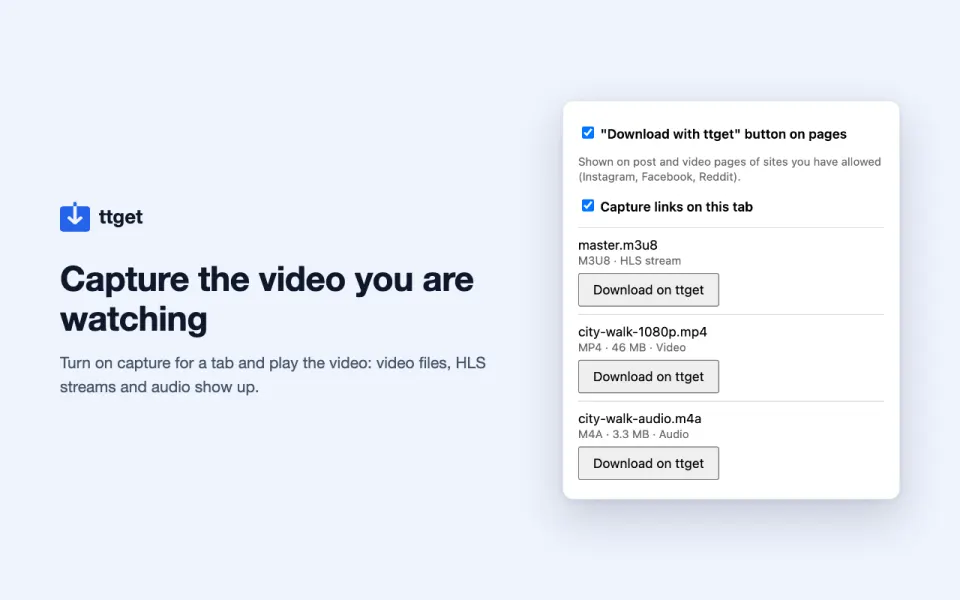
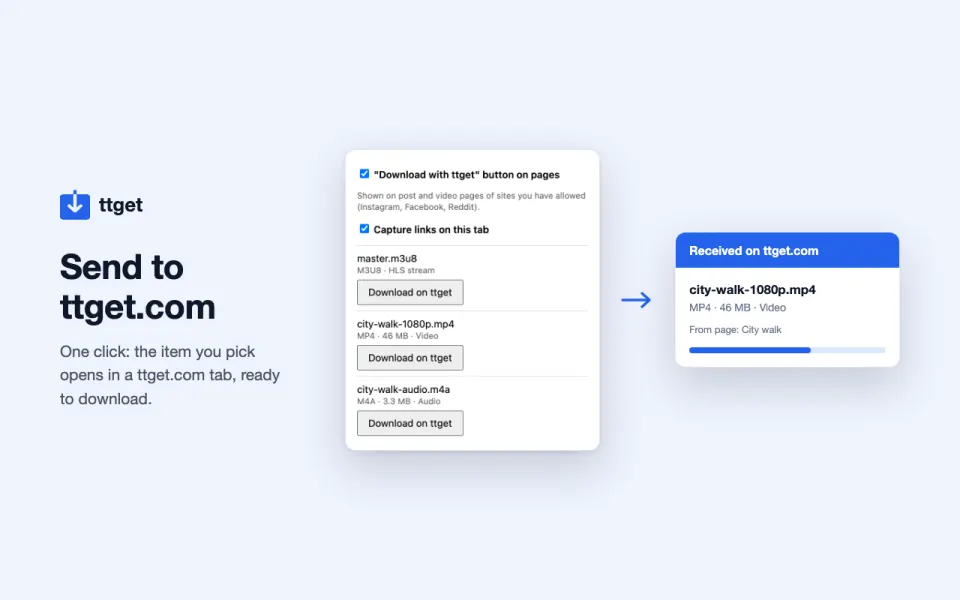
- Link capture (optional): turn on “Capture links on this tab”, play a video, and the popup lists the video files, streams and audio the page loads, each with a “Download on TTGet” button.
- Popup in 5 languages.
Privacy
The extension does not read or send your cookies, and has no analytics, ads or remote code. A link goes to ttget.com only when you click to send it. Read the full extension privacy policy.
Limits
- Public posts only. Private posts and DRM-protected videos are not supported.
- Works with Instagram, Facebook and Reddit. Other sites, including YouTube, are not supported.
- Save only content you own or have permission to save.
Frequently asked questions
Is the TTGet extension free?
Yes. The extension and ttget.com are free, with no sign-up.
Which browsers does it work on?
Chrome, Microsoft Edge, Cốc Cốc and Brave (the Chrome Web Store version works in all of them), and Firefox 140 or newer on desktop. It does not run on phones.
Why does it ask for access to a site?
To fetch a post from Instagram, Facebook or Reddit your browser needs your permission to contact that site. The extension asks only when you download a link from it, and you can remove the access at any time in the browser’s extension settings.
Does it read my cookies?
No. Requests made for ttget.com are sent without your cookies, so the page can never act as your logged-in account.
Why is the code not public?
The source code of the extension is not published for now. Its behavior is described in the privacy policy, and store reviewers see the full package.
How do I remove it?
Open your browser’s extensions page, find TTGet and click Remove. Nothing is left behind except the files you downloaded.
TTGet is not affiliated with Instagram, Facebook, Meta or Reddit. Please save only content you own or have permission to save.